Import Facebook Birthdays and Events into Outlook
What do You Mean by Facebook?
Facebook is free popular social networking website that permits registered users to make profiles, upload videos and photos, send messages and place in touch with family, colleagues and friends. You can even know more about your friend like their interests, current activities, birthday etc.
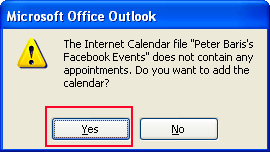
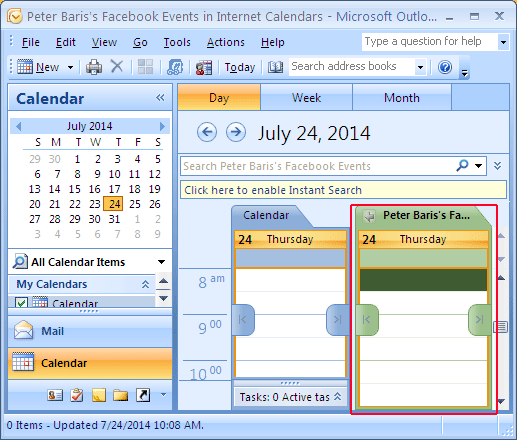
When you want to get your friends or family members together, creating an event on Facebook is one way to let everyone know about it. Now, it is very useful for anybody which is used face book account. By using Outlook's Internet Calendars, you can coordinate special events stored on the Internet in your local copy of Outlook. Facebook is a great example because so many people have accounts. You can download two calendar files: your friends' birthdays and events. If you want to import all your friends birthdays Into Microsoft Outlook then you can automatically add Facebook Calendar as an Internet Calendar such as:
Now How to Import Birthday Calendar into Microsoft Outlook
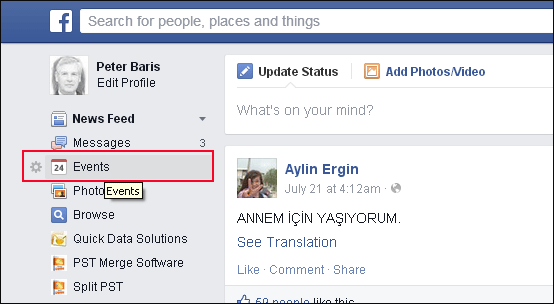
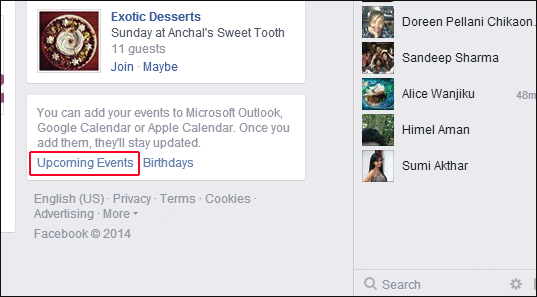
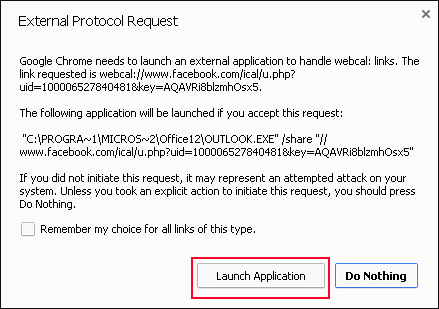
As you click on upcoming events, you will get external protocol request windows.
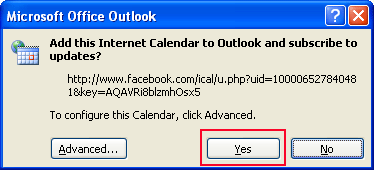
Now click on "Launch Application".
 English
  Deutsch
  Español
  Français
  Italiano
  日本人
日本人